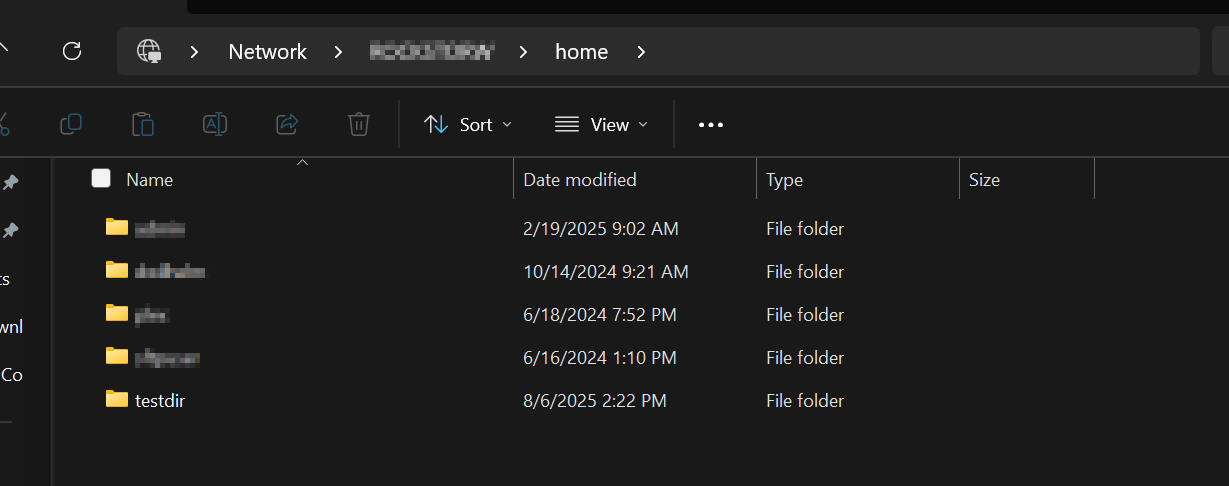
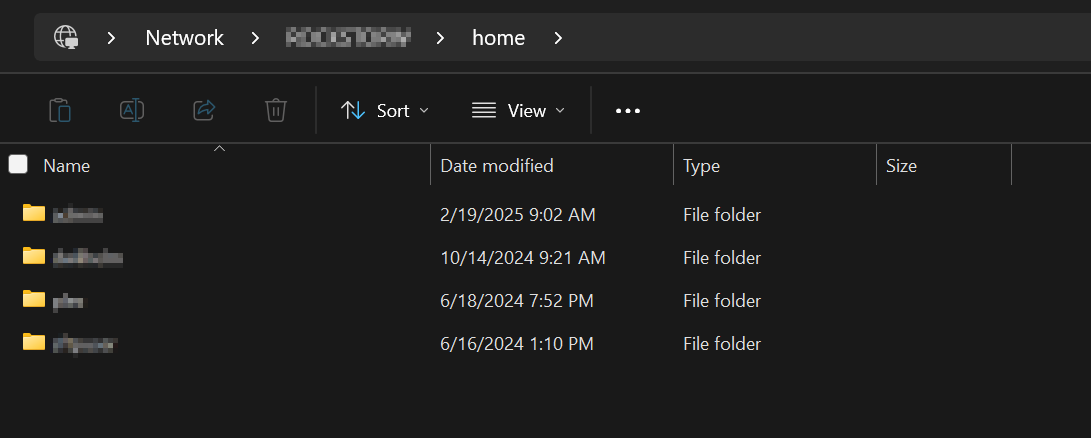
I tried a little bit more now. I can’t seem to create a “home” samba export using the WebUI, with the error message that it’s a special share, etc.
So, I created one in the actual samba configuration, after the Rockstor global configuration and before the Rockstor Share level configuration:
nano /etc/samba/smb.conf
####END: Rockstor SAMBA GLOBAL CUSTOM####
[home]
    root preexec = sh -c "cd /opt/rockstor/ && poetry run mnt-share home"
    root preexec close = yes
    comment = b'home'
    path = /mnt2/home
    hide unreadable = no
    hide unwriteable files = yes
    browseable = yes
    read only = no
    guest ok = no
    admin users = admin

####BEGIN: Rockstor SAMBA CONFIG####
I added the two parameters, compared to what the “normal” samba shares look like:
    hide unreadable = no
    hide unwriteable files = yes
the unwriteable files parameter is not really necessary for your scenario, I just put that there for good measure.
For testing I also created a test directory testdir. Now, under the above setting it will pretty much behave like a normally created Samba export in Rockstor. Even if one doesn’t have write access it will still be listed and one can enter the directory.
Now, when changing the testdir to permision 700 using
chmod 700 ./testdir
only the owner (in this test case root) can interact with the folder. However it is still being listed (as you observed, too).
When I flip the share-level parameter to yes:
hide unreadable = yes
and restart the samba service (systemctl restart smb) then a refresh of the home samba export will now show only the folders that don’t have the access rights of 700 (I’m obviously not using root to access the samba share but some other user).
So, I think, in order to fulfill your requirement, you need to change all home sub-directories representing users to 700 AND activate the above parameter hide unreadable = yes for the home samba share.
And if you add new users using e.g. AD then there’s some config (I can’t find the thread on the forum right now) where I think you can both influence the path and the access rights.
Finally, if you can set up the Samba Export using the WebUI, you will add the parameter(s) in the corresponding box below the other options, and that should do it.