Brief description of the problem
I have a raid 1 pair of disks (6TB each). The pool is unmounted (one of the disks is “unknown”).
So it looks like a disk failure. I got the error after I booted the system (after being shut for two-weeks).
You can that I’m using openSUSE Leap Linux: 5.14.21-150400.24.100-default.
I tried btrfs check; yeah, there are errors (want more detailed results?)
What’s next? Buy a new disk and replace the bad one?
Detailed step by step instructions to reproduce the problem
Web-UI screenshot
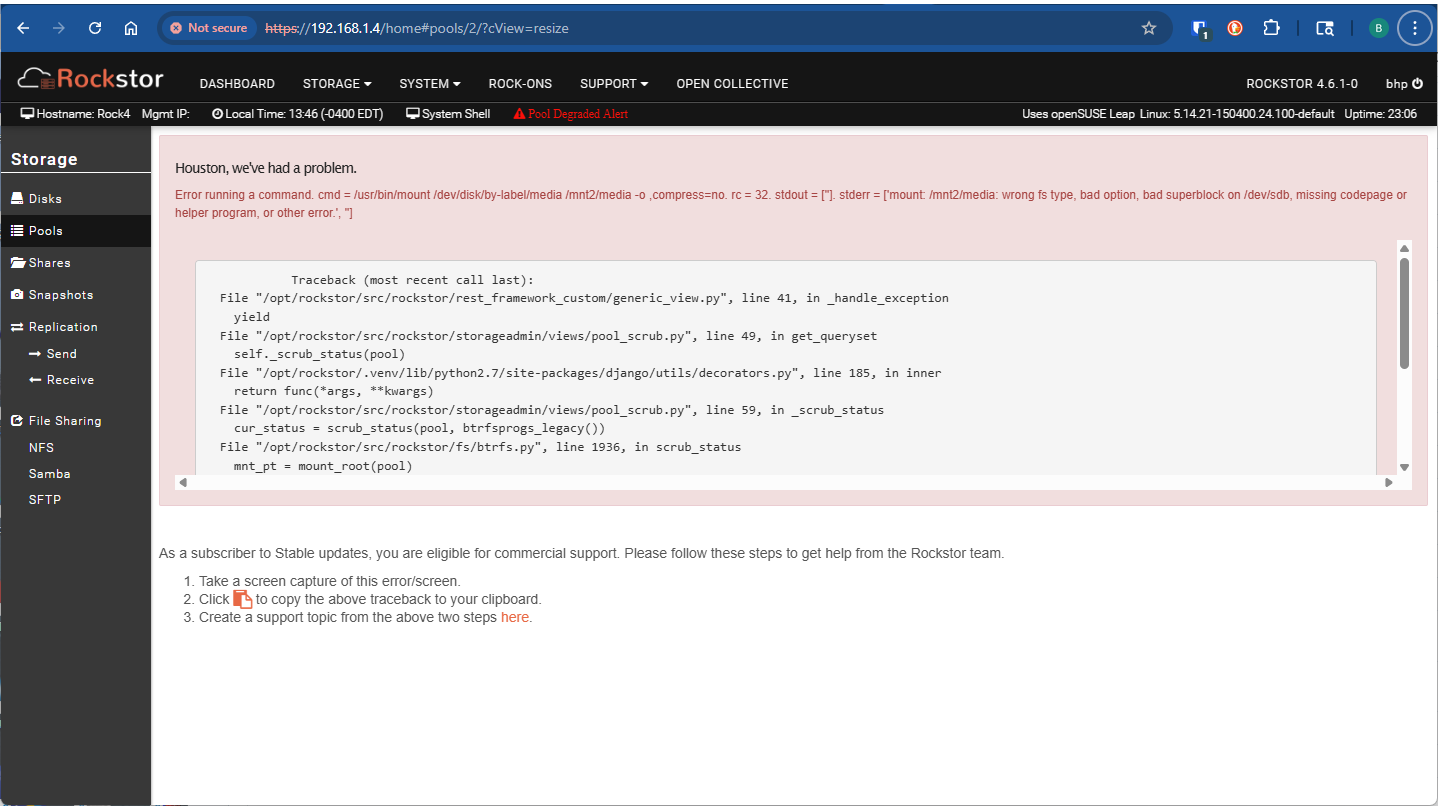
Error Traceback provided on the Web-UI
            Traceback (most recent call last):
  File "/opt/rockstor/src/rockstor/rest_framework_custom/generic_view.py", line 41, in _handle_exception
    yield
  File "/opt/rockstor/src/rockstor/storageadmin/views/pool_scrub.py", line 49, in get_queryset
    self._scrub_status(pool)
  File "/opt/rockstor/.venv/lib/python2.7/site-packages/django/utils/decorators.py", line 185, in inner
    return func(*args, **kwargs)
  File "/opt/rockstor/src/rockstor/storageadmin/views/pool_scrub.py", line 59, in _scrub_status
    cur_status = scrub_status(pool, btrfsprogs_legacy())
  File "/opt/rockstor/src/rockstor/fs/btrfs.py", line 1936, in scrub_status
    mnt_pt = mount_root(pool)
  File "/opt/rockstor/src/rockstor/fs/btrfs.py", line 761, in mount_root
    run_command(mnt_cmd)
  File "/opt/rockstor/src/rockstor/system/osi.py", line 246, in run_command
    raise CommandException(cmd, out, err, rc)
CommandException: Error running a command. cmd = /usr/bin/mount /dev/disk/by-label/media /mnt2/media -o ,compress=no. rc = 32. stdout = ['']. stderr = ['mount: /mnt2/media: wrong fs type, bad option, bad superblock on /dev/sdb, missing codepage or helper program, or other error.', '']