Thank you!!!
@Andyxaspikes welcome to the community.
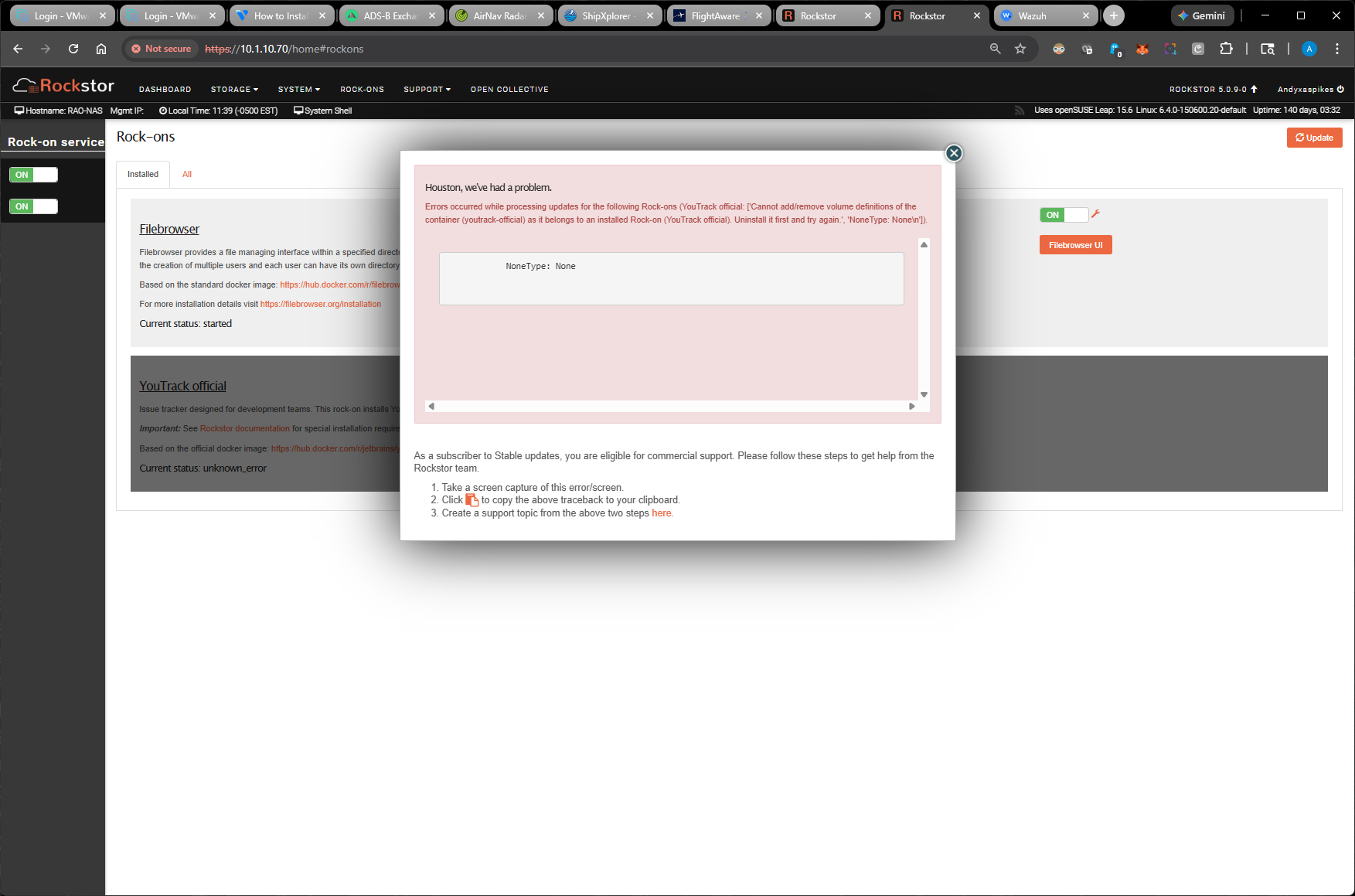
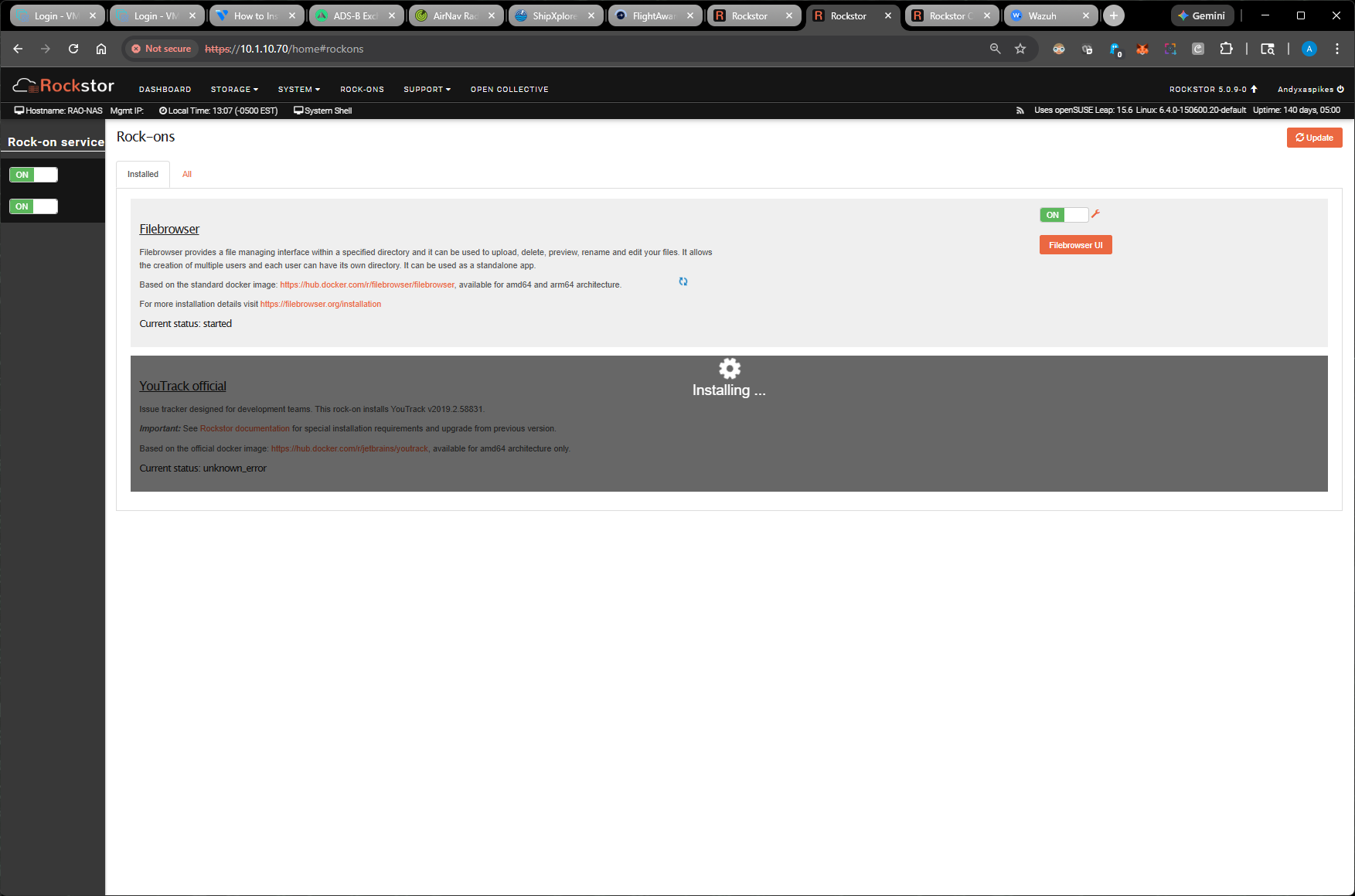
just a question on the sequence of the screenshots, so you’re getting the error first and when you close the pop-up, it continues to be stuck in installing?
Have you tried at the command line:
cd /opt/rockstor
poetry run delete-rockon 'YouTrack official'
and then reboot the system?
Once it comes back up you should be able to run the Rock-on Update and then redo the installation?
2 Likes
Good morning,
thank you for the quick response!!! I tried that but it gave me a “Command not found: delete “
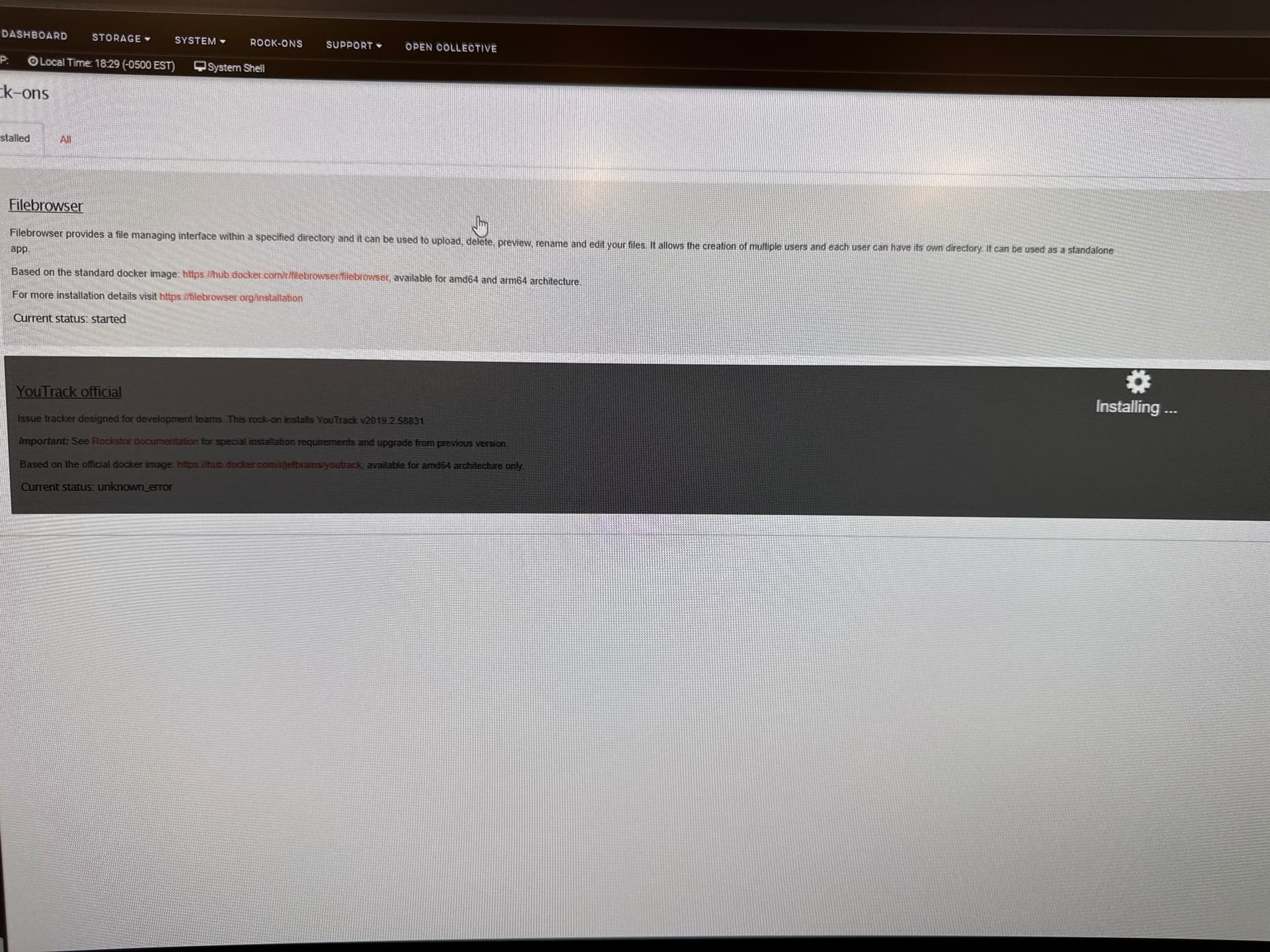
Still unable to remove because its constantly spinning as if it was installing…. But in the grayed out space at the bottom, it says unknown_error.
Hi @Andyxaspikes ,
Sorry for the typo, the command should be delete-rockon and not just delete. This is further detailed in our docs, in the “force uninstall of a Rock-on” section:
Hope this helps,
1 Like
@Flox thank you! I updated my original response with the correct command line. Not sure, how I missed that (typing with my eyes closed or something).
2 Likes
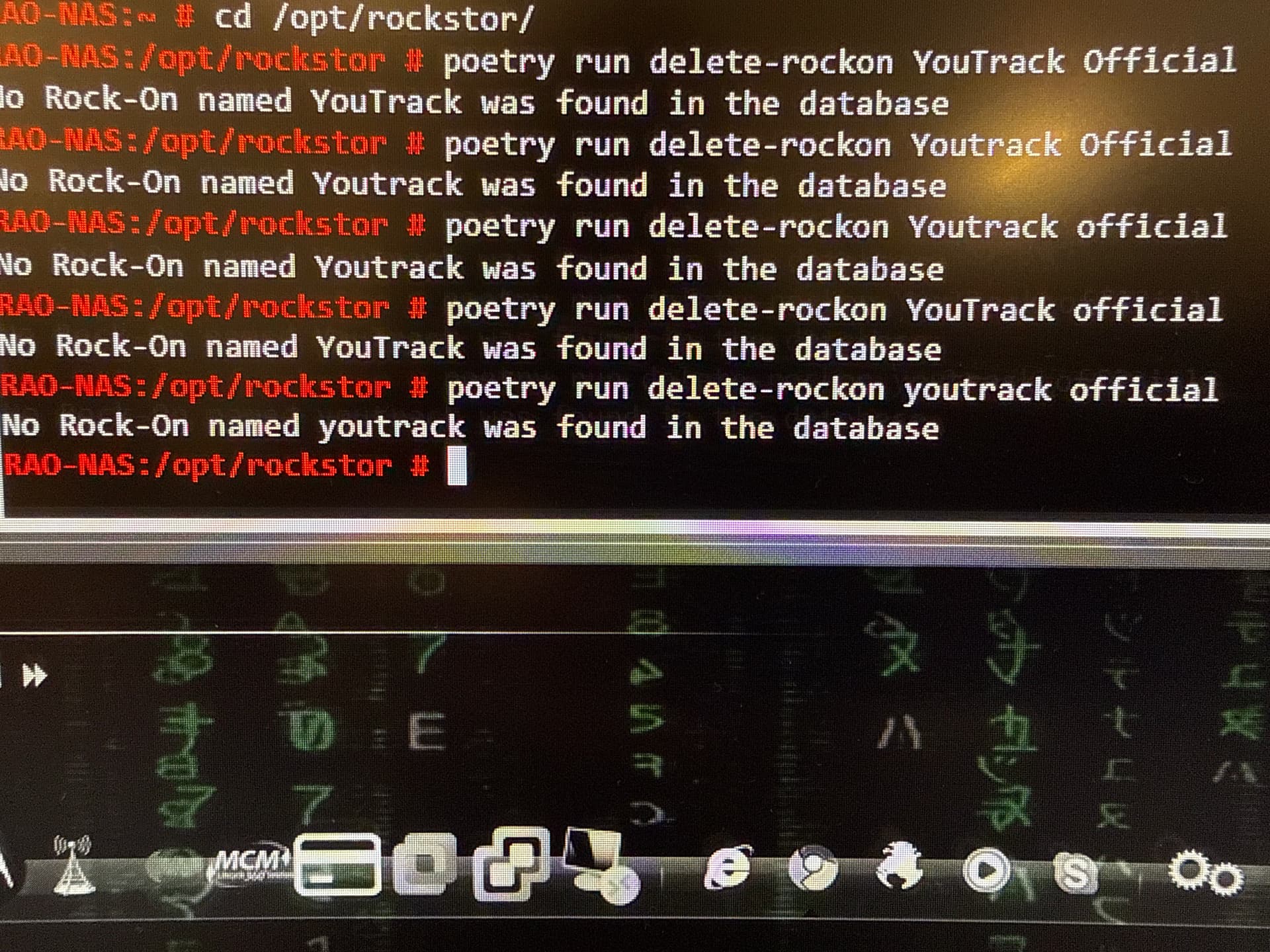
Make sure to include the quotes as in @Hooverdan’s instructions  .
.
2 Likes
Also, I believe it’s case sensitive, so Upper case Y and T in YouTrack and lower case official
2 Likes